
Livestream Production Guide for Corporate Events
- Published: June 27, 2026
Quick Answer
Livestream production is the planning, technical setup, broadcasting, and management of live video content for remote audiences. It combines cameras, audio systems, internet connectivity, switching equipment, streaming platforms, and technical operators to deliver a reliable viewing experience for audiences joining online.
Remote audiences are now a standard part of corporate events. Whether it is a town hall reaching employees across multiple offices, a conference extending its reach to delegates who cannot attend in person, or a product launch broadcast to a regional audience, livestreaming has become an expected capability rather than an optional feature.
What separates a professional livestream from a poor one is not the platform used to broadcast it. It is the production behind it.
A livestream is the only experience remote attendees receive. They cannot look around the room, read the energy of the crowd, or experience the event in any way other than through the broadcast.
Production quality is not a technical detail, it is the entire event for the people watching online.
What Is Livestream Production?
Livestream production is the combination of technology, planning, and live operational management required to broadcast an event to a remote audience in real time. It is not simply pointing a camera at a stage and pressing record.
Cameras
Capture presenters, stage activity, audience reactions, and key event moments for remote viewers.
Audio Systems
Deliver clear, broadcast-quality sound that allows remote audiences to hear every speaker and presentation.
Video Switching
Manages transitions between camera angles, presentations, videos, and live content throughout the broadcast.
Streaming Platforms
Distribute the livestream securely and reliably to remote attendees across multiple locations.
Internet Connectivity
Provides the bandwidth, stability, and redundancy required to support uninterrupted live streaming.
Production Crew
Operates technical systems, monitors stream quality, and manages the live broadcast in real time.
Each component in the production chain affects the final viewing experience. Strong camera work is undermined by poor audio.
Reliable internet connectivity is wasted if the video switching is poorly managed. Livestream quality depends on the entire chain performing well simultaneously.
Why Livestream Production Matters
Remote viewers judge the event through the broadcast, not through what happens in the room. When the audio is difficult to hear, when camera angles are static and uninvolving, or when the stream drops during a critical moment, the remote audience’s experience of the event is damaged in ways that cannot be recovered.
For corporate events, this has real consequences. A town hall where remote employees receive a poor-quality broadcast sends an unintended message about how much the organisation values their participation.
A conference where virtual delegates receive a degraded experience compared to in-person attendees creates a two-tier event that undermines the event’s communication objectives.
Livestream production matters because it determines the quality of the experience for every person who is not in the room. In many corporate events, that audience is larger than the in-room audience.
Essential Components of a Professional Livestream
Camera Systems
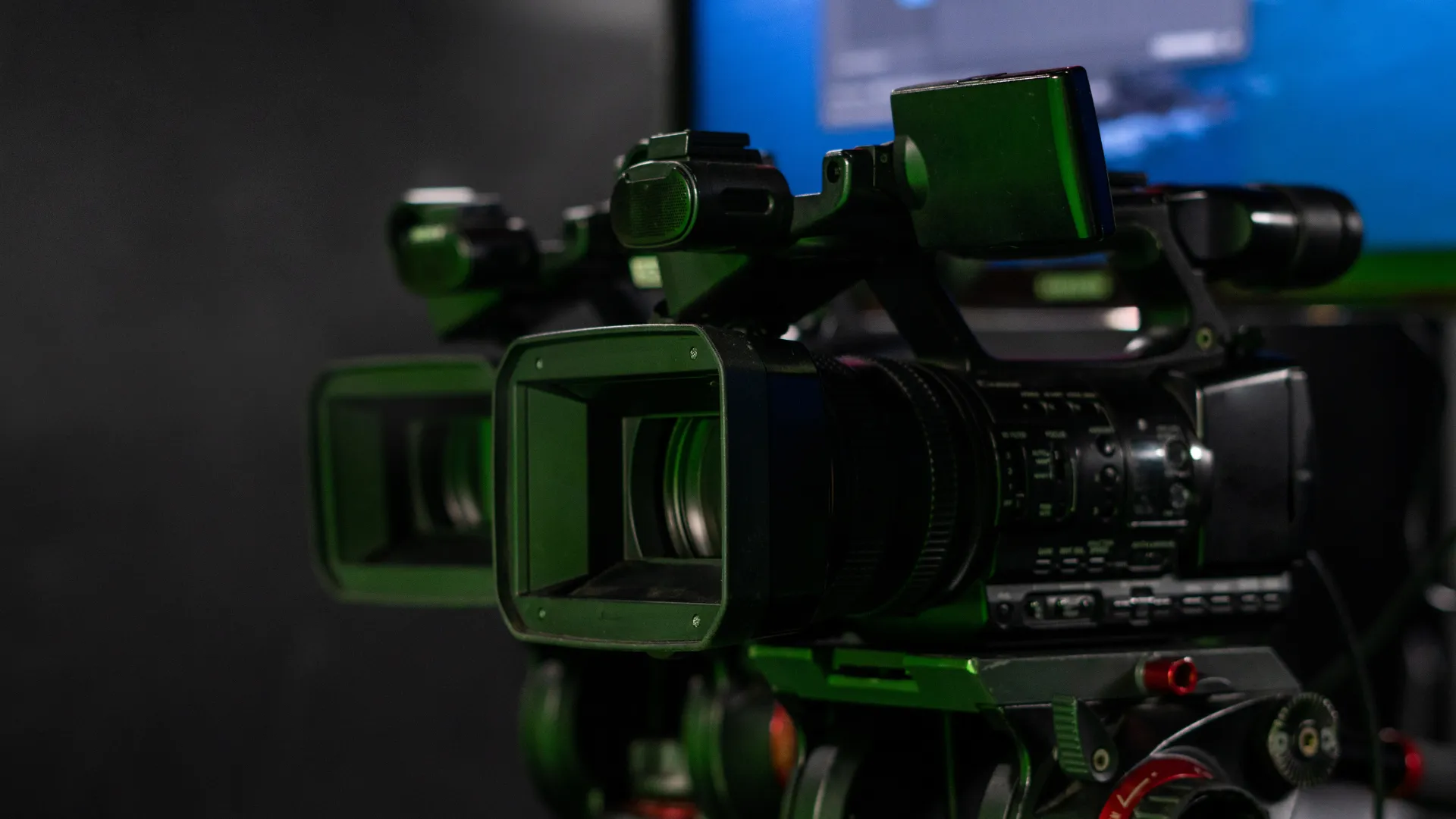
The camera setup determines the visual quality and dynamism of the broadcast. Options range from single-camera setups suitable for smaller events to multi-camera productions that allow for varied angles, close-ups of speakers, and audience reaction shots.
Speaker-tracking cameras can follow presenters as they move across the stage without requiring a dedicated camera operator.
Multi-camera setups are standard for professional corporate livestreams because they allow the broadcast to feel more produced and engaging rather than static.
Audio Capture
Broadcast audio must be captured separately from the in-room PA system. A dedicated audio feed from the mixing console, combined with properly positioned microphones, ensures that the stream receives clean, consistent sound regardless of the room’s acoustic characteristics.
Video Switching
A video switcher allows the production team to cut between camera angles, integrate presentation slides, display lower-third graphics, and manage transitions in real time. This is what separates a broadcast from a recording, the live editorial decisions that shape what the remote audience sees at each moment.
Streaming Platforms
YouTube Live
Best suited for public broadcasts, large-scale audiences, and maximum reach.
Vimeo
Commonly used for private, password-protected, or branded livestream experiences.
Microsoft Teams
Ideal for internal corporate communications, leadership updates, and company town halls.
Zoom Webinar
Designed for interactive virtual events with audience participation and Q&A.
Private Platforms
Suitable for secure enterprise broadcasts requiring controlled access and enhanced security.
Platform selection depends on the audience, security requirements, interactivity needs, and technical infrastructure. Many corporate events use private platforms to control access and protect sensitive content.
Internet Connectivity
Internet connectivity is the most vulnerable component of any livestream. A primary connection should be supported by a backup connection on a separate provider or network.
Bandwidth requirements should be calculated based on the stream’s resolution, bitrate, and the number of simultaneous outputs required.
Livestream Production for Different Event Types
Conference
Speaker presentations, panel discussions, and audience Q&A sessions.
Town Hall
Leadership communication and employee participation across multiple locations.
Product Launch
Product demonstrations, major announcements, and high-impact brand moments.
Gala Dinner
Awards presentations, recognition moments, and entertainment highlights.
Hybrid Event
Delivering an equal experience for both remote and in-person audiences.
Town halls are among the most common corporate events requiring professional livestream production. When leadership is communicating with employees across multiple offices or regions, the broadcast quality directly affects how the message is received.
For more on town hall livestream requirements, see our hybrid town hall event guide.
The Difference Between Livestream Events and Hybrid Events
These two formats are frequently confused, and the distinction matters for production planning.
Livestream Event
Remote audience only
Single audience experience to manage
Broadcast-focused production
Simpler logistics
One-way communication is typically sufficient
Hybrid Event
In-person and remote audiences simultaneously
Two audience experiences to manage
Experience-focused production for both audiences
Significantly higher production complexity
Two-way interaction is generally expected
A hybrid event requires managing two audiences simultaneously. The in-room audience needs a strong physical event experience.
The remote audience needs a strong broadcast experience. Both must be planned and produced with equal care.
Many organisations underestimate this complexity and treat hybrid events as livestream events with an in-person component, which consistently produces a weaker experience for one or both audiences.
Common Livestream Production Mistakes
Poor Audio Quality
Remote audiences struggle to hear clearly and disengage quickly.
Unstable Internet Connection
Stream interruptions happen during critical moments.
Single-Camera Setup
Creates a static, uninvolving broadcast experience.
No Backup Systems
Creates single points of failure with no recovery option.
Inadequate Rehearsal
Technical problems surface during the live broadcast.
Ignoring Audience Engagement
Remote attendees feel passive, disconnected, and less involved.
The audience notices failures immediately. Unlike in-room attendees who may remain engaged through the physical environment, remote viewers have no reason to stay if the broadcast quality is poor.
They will simply close the window.
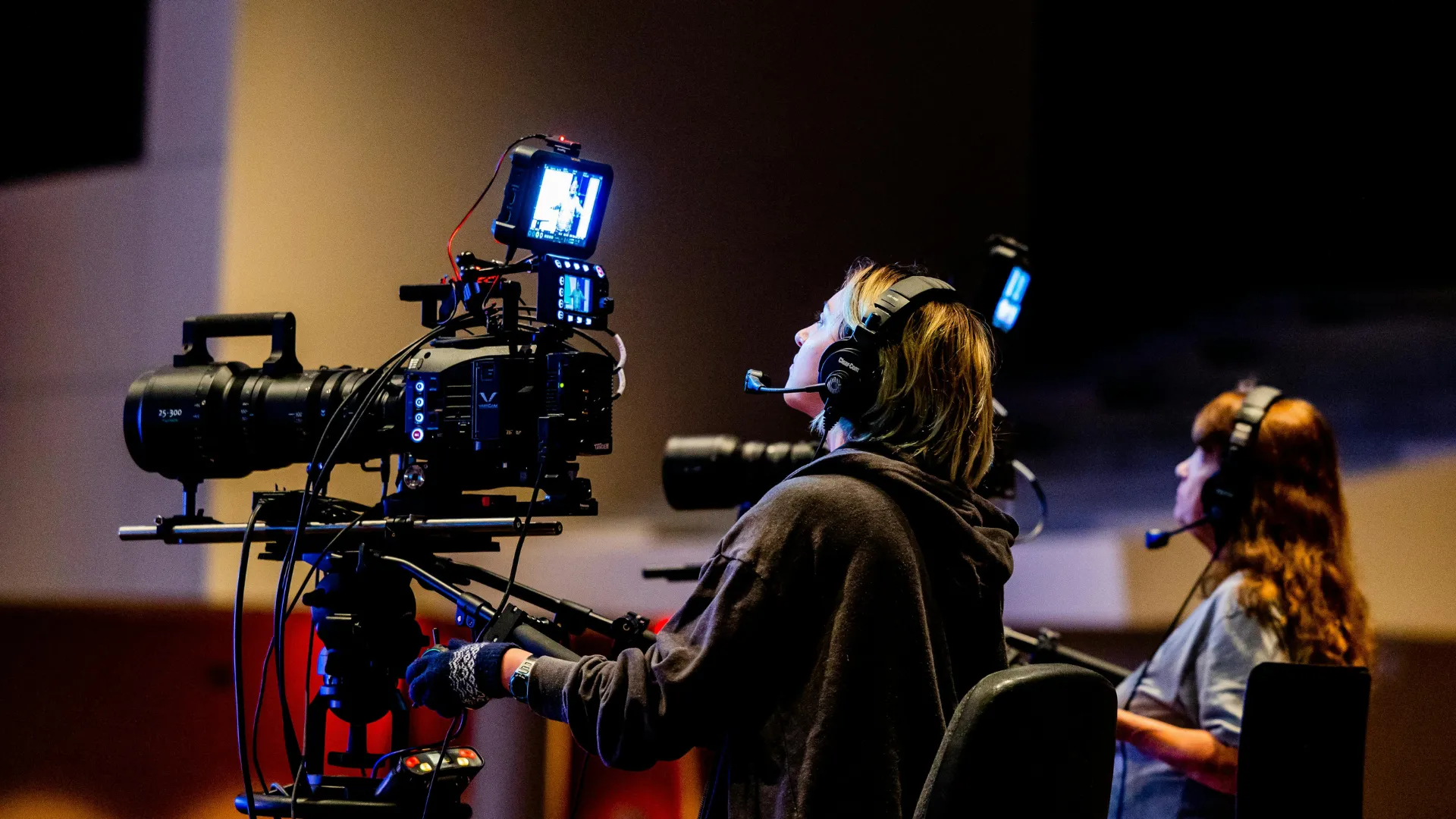
Why Technical Rehearsals Matter for Livestreams
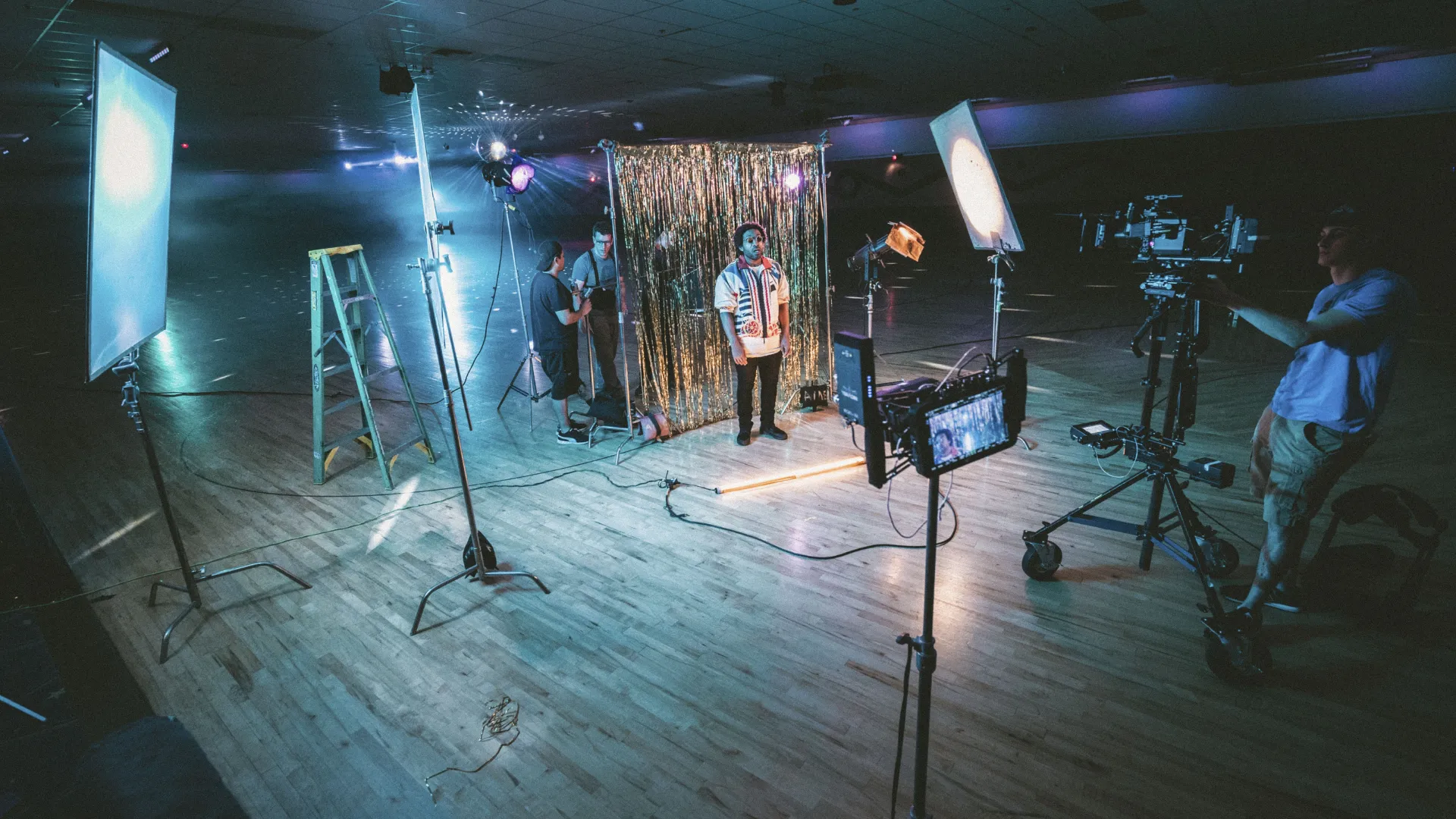
Most livestream failures are preventable. The problems usually begin before the broadcast starts, in the planning gaps, the untested connections, and the assumptions that were never verified.
A proper technical rehearsal for a livestream event should include:
- Full connectivity testing on the actual venue internet infrastructure
- Camera position and angle verification
- Audio feed testing through the broadcast chain
- Presentation integration testing with actual slide files
- Platform access testing for remote attendees
- Backup system activation tests
- Speaker preparation for broadcast-specific requirements
Speakers who have never presented to a camera behave differently from those who have rehearsed in the broadcast environment. Technical rehearsals serve both the production team and the presenters.
For a detailed look at rehearsal planning, see our article on why technical rehearsals matter.
For more on AV production requirements that support livestreaming, see our guide on what AV production includes for events.
Creating Better Livestream Experiences
Livestream production is not about sending video. It is about delivering an event experience to people who are not in the room.
That distinction changes how production decisions are made.
When remote audiences are treated as a primary audience rather than a secondary consideration, production planning improves. Camera positions are chosen for broadcast quality rather than convenience.
Audio is captured for clarity rather than volume. Interactivity is designed into the programme rather than added as an afterthought.
ERS Asia supports event production and hybrid event management across conferences, town halls, product launches, and corporate communications events. For broader context on how livestream production fits within event production, see our guide on what event production includes.
Frequently Asked Questions
What is livestream production?
Livestream production is the planning, technical setup, and live management of a broadcast that delivers an event to remote audiences in real time. It includes cameras, audio systems, video switching, streaming platforms, internet connectivity, and production crew.
The goal is to deliver a viewing experience that accurately represents the live event to audiences who are not physically present.
What equipment is needed for livestream production?
Professional livestream production typically requires broadcast cameras, microphones and audio mixing consoles, a video switcher, streaming encoders, a reliable internet connection with backup, and a streaming platform. For larger events, additional equipment such as teleprompters, speaker-tracking cameras, and graphics systems may also be required.
What is the difference between livestreaming and hybrid events?
A livestream event broadcasts to a remote-only audience, with a single experience to manage. A hybrid event serves both an in-person audience and a remote audience simultaneously, requiring two separate but equally considered experiences.
Hybrid events are significantly more complex to produce because both audiences must receive a strong experience at the same time.
Why is audio important in livestream production?
Audio is the most critical element of the remote viewing experience. Poor audio causes remote audiences to disengage almost immediately.
Unlike in-room attendees who benefit from the physical environment, remote viewers rely entirely on the broadcast. If the audio is unclear, the event’s communication objectives are not met for that audience.
How do you improve livestream quality?
Livestream quality improves through better planning, multi-camera setups, dedicated broadcast audio feeds, reliable internet connectivity with backup, proper technical rehearsals, and experienced production crew. The most significant improvements typically come from addressing audio quality and internet reliability, as these are the most common points of failure.
Do livestream events require technical rehearsals?
Yes. Technical rehearsals are essential for any event with a livestream component. They allow the production team to test the full broadcast chain, identify connectivity issues, verify camera positions, test presentation integration, and prepare speakers for the broadcast environment.
Most livestream failures are preventable with adequate rehearsal time.
Table of Contents
Related Articles